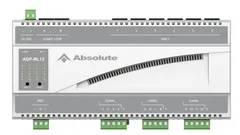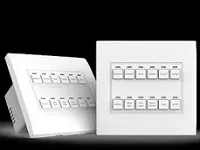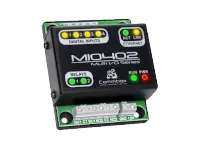
Driver for integrating Commbox MIO automation modules over TCP/IP. The inputs can be bound to standard contact sensors or to the ZoomDH Keypad Dry Contact driver.
The outputs can be bound to standard relay drivers or to the ZoomDH Switch lighting driver.
Installation
- Set the module IP with Commbox’s “Configurador MIO” (MIO Configurator) software
- Add the driver and select the model in “Module Model”
- Enter “IP Address” and “TCP Port” (default 4091)
- Bind the inputs and outputs to the desired drivers
- Enter the key in “License Key”
Features
- Inputs that bind to contact sensor drivers or to the ZoomDH Keypad Dry Contact
- Outputs that bind to relay drivers or to the ZoomDH Switch
- MIO module model selection
- Initial output state setting
- Module reset action that keeps the settings
Requirements
- Module IP configured with Commbox's MIO Configurator software
More details about this driver: drivers@zoomdigitalhome.com.br