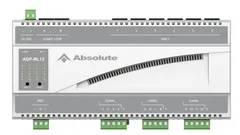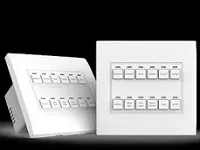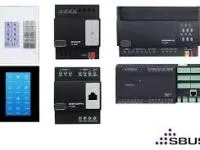
Driver for integrating HDL devices with Control4 through the HDL IP gateway (default port 6000).
This is version V2: every HDL device driver in the project must be on the same version. The driver discovers network devices by broadcast and monitors the connection to the gateway.
Installation
- Add the gateway driver and enter the HDL gateway “IP Address”, “Subnet ID” and “Device ID”.
- If needed, enable “Hotel Mode”.
- Use the “Test Gateway Connection” Action to check communication.
- Use “Query Online Devices” to discover the network devices.
Features
- HDL device integration through the IP gateway
- Network device discovery by broadcast
- V2 drivers for lighting, inputs, outputs and shades
- Support for the HDL protocol Hotel mode
- Gateway connection test at a configurable interval
- Advanced scene activation
Requirements
- HDL gateway on the local network
- HDL device drivers in version V2
More details about this driver: drivers@zoomdigitalhome.com.br