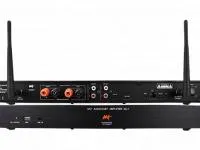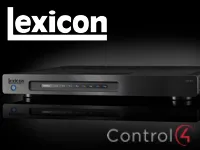
This driver integrates the Lexicon DD8+ multiroom amplifier with Control4, letting you use its outputs in stereo or mono mode and control the volume and sources of each zone from the automation.
Communication is over the local network. Since the DD8+ accepts only one connection at a time, the device web interface must be closed for the commands to work.
Installation
- Install the driver .c4z files in the Control4 drivers folder
- Add the driver to the project by searching for Lexicon and choosing the DD8+
- Enter the device IP in “IP Address” and make the connections
- Decide whether the device will have switched or always-on power and wire the trigger through the relay
- Choose stereo or mono outputs for each group in “Output Modes”
Features
- Zone control of the Lexicon DD8+ network amplifier
- Outputs configurable in stereo or mono mode per group
- Configurable volume ramp (method, steps and curve)
- Command to load the device presets
- Support for power saving mode with relay control
- Communication over the local network
Requirements
- Static IP or DHCP reservation for the DD8+
- The DD8+ accepts only one network connection at a time (close the web interface while in use)
More details about this driver: drivers@zoomdigitalhome.com.br