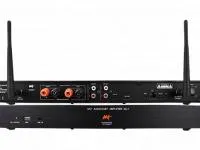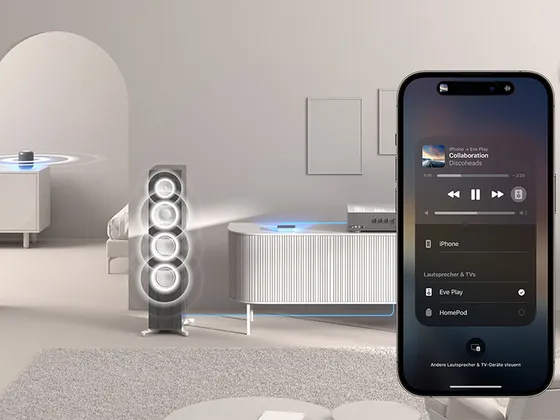
This driver controls a LinkPlay-based streamer (SoundSmart, WiiM, Arylic and others) in Control4: playback, volume, source selection, presets and metadata, with a full Now Playing screen for the device’s own sources (Wi-Fi, AirPlay and Spotify Connect).
It works together with the Linkplay Network driver, which handles device discovery and multiroom grouping. The streamer’s physical inputs (RCA, optical, coaxial and HDMI ARC) can be used as regular audio sources in the project.
Installation
- Add the Linkplay Network driver to the project first
- Let the Network driver discover the streamer and use the “Add All Discovered Devices” action to create and configure the Linkplay Player automatically
- Alternatively, add the driver manually and enter “Device IP Address” or choose the device in “Device Selector”
- The Zone and Audio connections to the Network driver are created automatically
- If the model has RCA, optical, coaxial or HDMI ARC inputs, bind the matching connections at the amplifier endpoint
Features
- Playback, volume, source selection and Now Playing metadata
- Now Playing screen with cover art, transport controls, queue history, Shuffle and Repeat
- The device's 10 presets read and available in the "Presets" tab and in programming
- Bluetooth, USB and Wi-Fi/Streaming selection from the "Settings" tab
- RCA, optical, coaxial and HDMI ARC physical inputs as audio connections
- Native Control4 multiroom grouping ("+Room")
- "Device Selector" to swap the physical device without redoing rooms and programming
- Transport and preset commands that bind directly to keypad buttons
Requirements
- Linkplay Network driver in the same project
- Streamer using the LinkPlay protocol on the same local network
Release notes
- 20261012
Network: licensing library update.
- 20260914
Fixed optical input switching and added a virtual Bluetooth input connection.
- 20260822
Initial release.