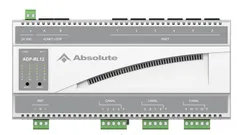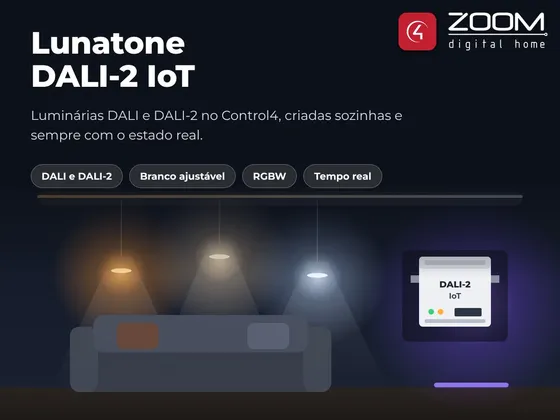
Integrates the Lunatone DALI-2 IoT gateway with Control4 over the local network, no cloud. The driver finds the luminaires registered in the gateway and creates a ZOOM Universal Light V2 for each one, already bound and with the right type: dimmable, on/off, RGBW or tunable white.
DALI groups, gateway zones and broadcast are also available as lights. When someone changes a light from a DALI button or the Lunatone app, Control4 follows right away.
Installation
- Give the DALI-2 IoT gateway a fixed IP on the controller network and register the luminaires (DALI Cockpit or the driver scan action).
- Put the ZOOM Universal Light V2 driver in the Documents\Control4\Drivers folder.
- Add the ZOOM - Lunatone DALI-2 IoT driver and fill in IP Address.
- Once connected, the driver creates a light for each luminaire, in the gateway’s room.
- Adjust names and rooms of each created light.
Features
- Creates a ZOOM Universal Light V2 for each luminaire registered in the gateway, already bound
- Dimmable, on/off, RGBW and tunable white (color temperature) lights
- DALI groups, gateway zones and broadcast available as lights
- Real-time feedback when a light changes from a DALI button or the Lunatone app
- DALI scenes, color temperature and gateway sequences in programming
- Scan for new luminaires on the bus right from Composer
Requirements
- Lunatone DALI-2 IoT gateway with a fixed IP on the controller network
- DALI luminaires addressed and registered in the gateway (DALI Cockpit or the driver scan)
- ZOOM Universal Light V2 driver (included in the package)
Release notes
- 20261121
Initial release. Creates a light for each luminaire by itself, already bound, with tunable white support. Reports the installation's technical data to the license server once a day, which speeds up support, and shows in License Status when a new driver version is available.