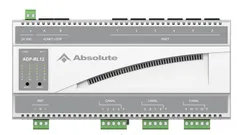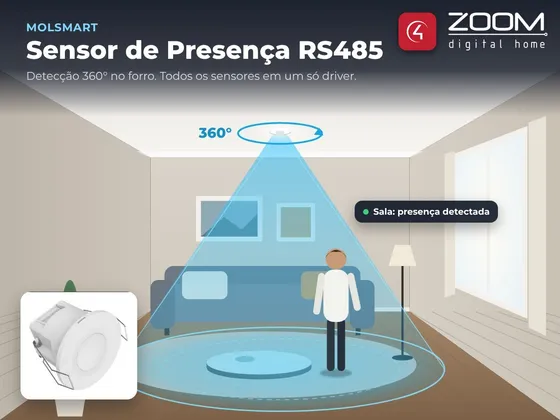
Driver that integrates MolSmart RS485 presence sensors with Control4. The sensor is ceiling mounted and covers the room in 360°.
A single driver handles every sensor on the bus. When the pairing button of a new sensor is pressed, the driver gives it an address and creates the matching connection, with no manual setup. Each sensor is bound to a Control4 Motion Sensor and works in programming, scenes and Navigator like any motion sensor, for example to turn the lights on and off by presence.
Installation
- Add the MolSmart Presence Sensor RS485 driver and bind the Serial RS-485 connection to the controller serial port (with the RS-485 converter)
- Enter the key in License Key (the driver has a 30-day trial)
- Press the pairing button of each sensor, one at a time: the driver creates the Sensor 1, Sensor 2… connections
- Optionally, name the connections with the Rename Sensor action
- Add a Control4 Motion Sensor in each room and bind it to the sensor connection
Features
- A single driver for every sensor on the RS-485 bus
- Automatic pairing from the sensor button, no addresses to set
- Each sensor becomes a Control4 Motion Sensor connection, ready to turn lights on and off by presence
- Connections named by the installer (e.g. "Sensor 1 - Living Room")
- State of each sensor and time of the last change in Composer
- Sensor list kept across controller restarts, with the state synced on start
- Communication test showing the firmware version of each sensor
Requirements
- MolSmart RS485 presence sensors
- Serial port on the Control4 controller with an RS-232/RS-485 converter
- Controller with internet access for the license
Release notes
- 20261103
2026-11-03 - Initial version: every sensor on the bus in a single driver, automatic pairing from the sensor button, one Motion Sensor connection per sensor, named by the installer, state of each sensor and communication test.