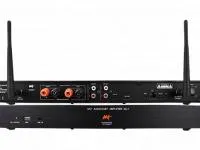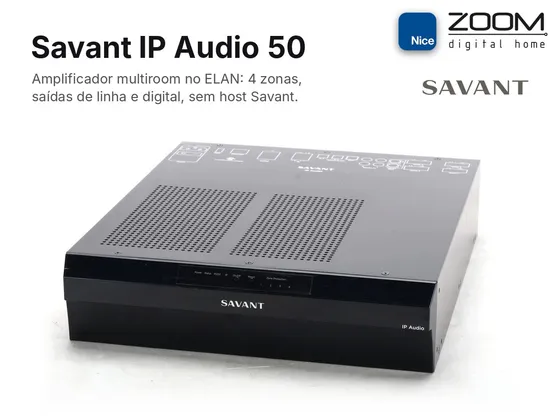
Integration driver for the Savant IP Audio 50 (SIPA 50) amplifier in ELAN, over the local network and with no Savant host required. The SIPA 50 has 4 amplified zones, a line output with DSP, a digital output and 5 inputs, including the built-in streamer.
Each output appears in ELAN as a zone, with power, source, volume and mute. The amplified zones also have stereo or mono mode, and the line output has processed or direct DSP. The driver reads the SIPA state periodically and right after each command, so changes made from the web interface or the app also show up in ELAN.
Installation
- Connect the SIPA 50 to the network and reserve a static IP for it.
- In Nice Configurator, on the Media tab, add a Zone Controller, import ZoomDH Savant IP Audio 50, enter the SIPA IP and install.
- If the SIPA login is not the factory one (RPM / RPM), fill in User Name and Password.
- Enter the license key in License Key.
Features
- Power, source, volume and mute per zone, with real state feedback
- Turning a zone on returns to the last source used
- Stereo or mono mode on zones 1 to 4
- Line output DSP (processed or direct)
- Input trim and all outputs off from the Event Mapper
- Changes made from the web interface or app show up in ELAN
- Communication status and firmware in ELAN
Requirements
- SIPA 50 on the same network as the ELAN controller, with a static IP or DHCP reservation
- SIPA web interface user name and password (default RPM / RPM)
- No Savant host controlling the same SIPA
Release notes
- 2026.10.31
Versão inicial.