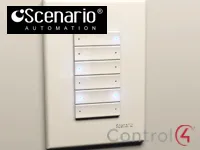
This driver integrates the Scenario Classic automation system with Control4 through the IFSEI interface, connected over IP or RS-232 serial.
The Scenario system’s output and input modules (keypads) are available in the project, so you can control the lighting and use the existing keypads.
Installation
- Add the driver to the project
- For IP, enter “IFSEI IP Address” and “TCP Communication Port”; for serial, make the RS-232 connection
- Adjust “Command Delay Milliseconds” if needed
- Use the “Show Modules” and “Show Keypads” actions to check the linked modules
Features
- Integration with the Scenario Classic system through the IFSEI interface
- Communication over IP or RS-232 serial
- Control of output modules, including dimmers
- Integration of Scenario keypads (input modules)
- Actions to list the modules and keypads linked to the driver
- Connection status and configurable delay between commands
Requirements
- Scenario IFSEI interface
More details about this driver: drivers@zoomdigitalhome.com.br