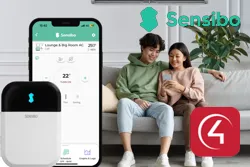
This driver integrates Sensibo devices with Control4 through the Sensibo cloud, so air conditioners can be controlled from the automation.
Once the account API key is entered, the driver finds the units and creates a connection for each one, controlled by the ZoomDH Universal HVAC Indoor Unit driver.
Installation
- On the Sensibo website, log in to your account and create an API key (“Create an API key” menu)
- Add the Sensibo Cloud driver to the project
- Paste the copied key into the “API Key” property; the driver reads the units in the account and creates the connections
- Install a ZoomDH Universal HVAC Indoor Unit driver for each unit and bind it to the matching connection
- Adjust the modes, fan and temperatures of each unit as desired
Features
- Sensibo device integration through the cloud API
- Automatic discovery of the units in the account
- Each unit controlled by the ZoomDH Universal HVAC Indoor Unit driver
- Modes, fan speeds, louver positions and setpoints configurable per unit
- Room temperature reported by each unit
- Support for presets and schedules
Requirements
- Sensibo account with the devices set up
- API key generated on the Sensibo website
- Internet connection
- ZoomDH Universal HVAC Indoor Unit driver for each unit
More details about this driver: drivers@zoomdigitalhome.com.br