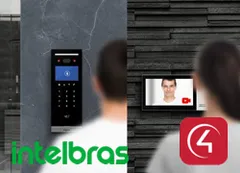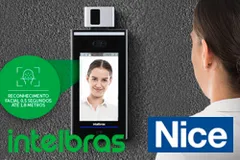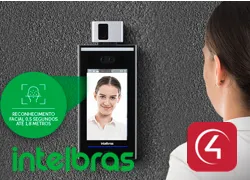
Control4 driver for integrating the Intelbras SS3542MF access control terminal, with face recognition, fingerprint, RFID card, QR Code and PIN. It uses the native lock proxy, so the terminal appears as a standard lock in Navigator, with programming, variables and history.
Events arrive from the terminal in real time. When users are imported, the driver creates an event for each one, and variables report the last user, the access method and the door state.
Installation
- Add the ZoomDH – Intelbras Network driver to any room.
- Add the ZoomDH – Intelbras Access Control driver to the door’s room; the two connect through the INTELBRAS_NETWORK binding.
- Enter “Device IP Address” and “Device admin Password” (the password set when the terminal was activated).
- The driver connects, sets up the event server and starts receiving access events automatically.
- Use the “Read users from device” Action to create the per-user events.
Features
- Terminal shows up as a native lock, with lock and unlock
- Real-time events, no polling
- Access by face, fingerprint, RFID card, QR Code or PIN
- Per-user event, with users imported from the terminal
- Door opened, closed and forced open events from the sensor
- Variables for last user, access method and card
- Push and e-mail notifications and history logging
- Automatic return to locked state after access
Requirements
- Intelbras SS3542MF or SS3542MF W terminal
- ZoomDH – Intelbras Network driver in the same project
- Control4 OS 3.x or later
More details about this driver: drivers@zoomdigitalhome.com.br