Driver that integrates air conditioners with a Midea Wi-Fi module with Control4 over the local network. It works with Springer Midea, Midea, Comfee, Carrier and other brands that use the MSmartHome, NetHome Plus or Midea Air apps.
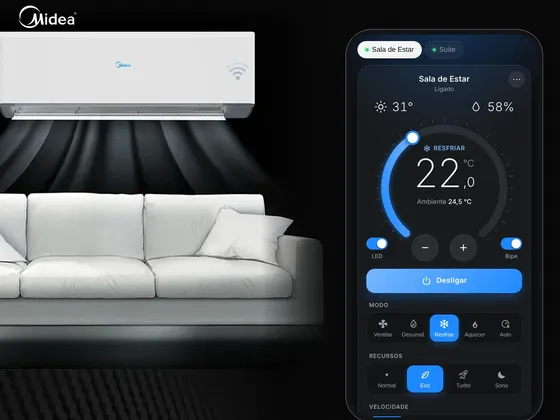
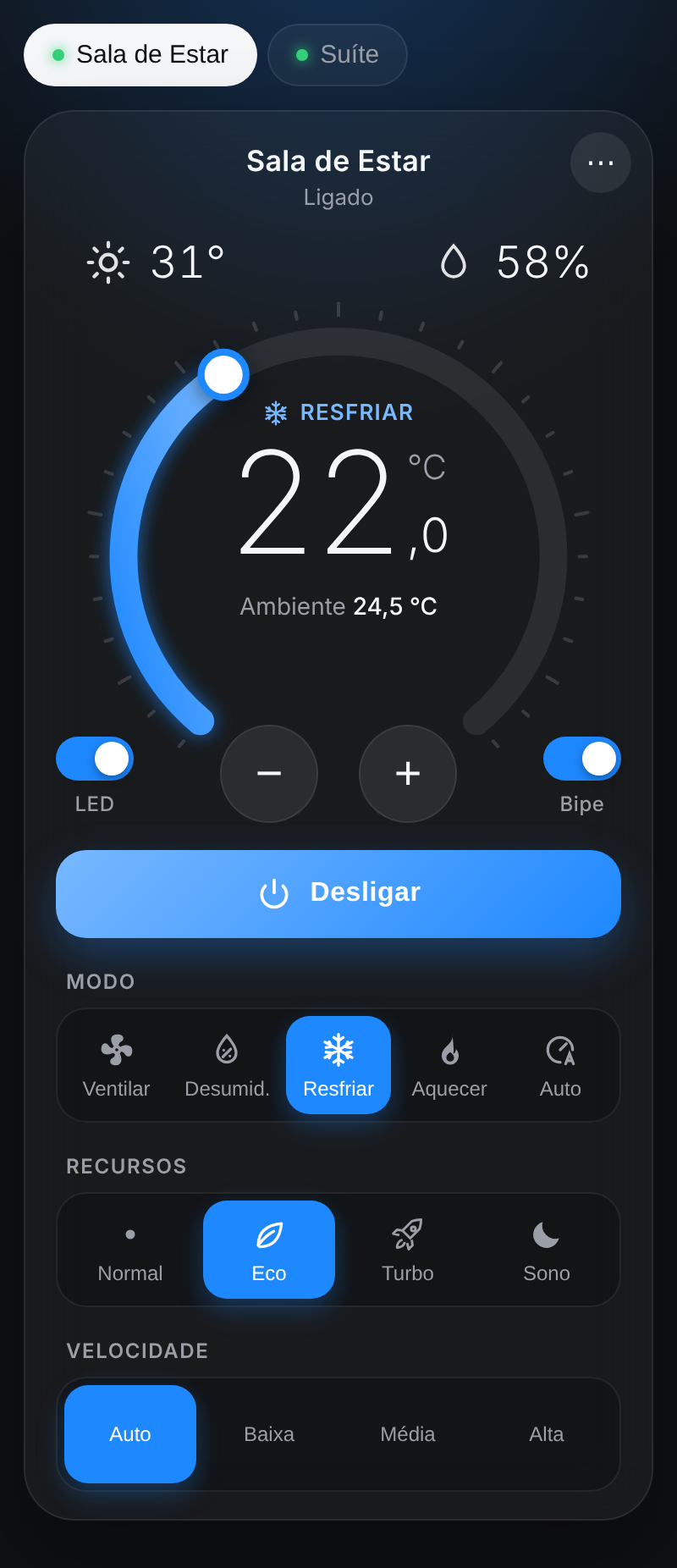
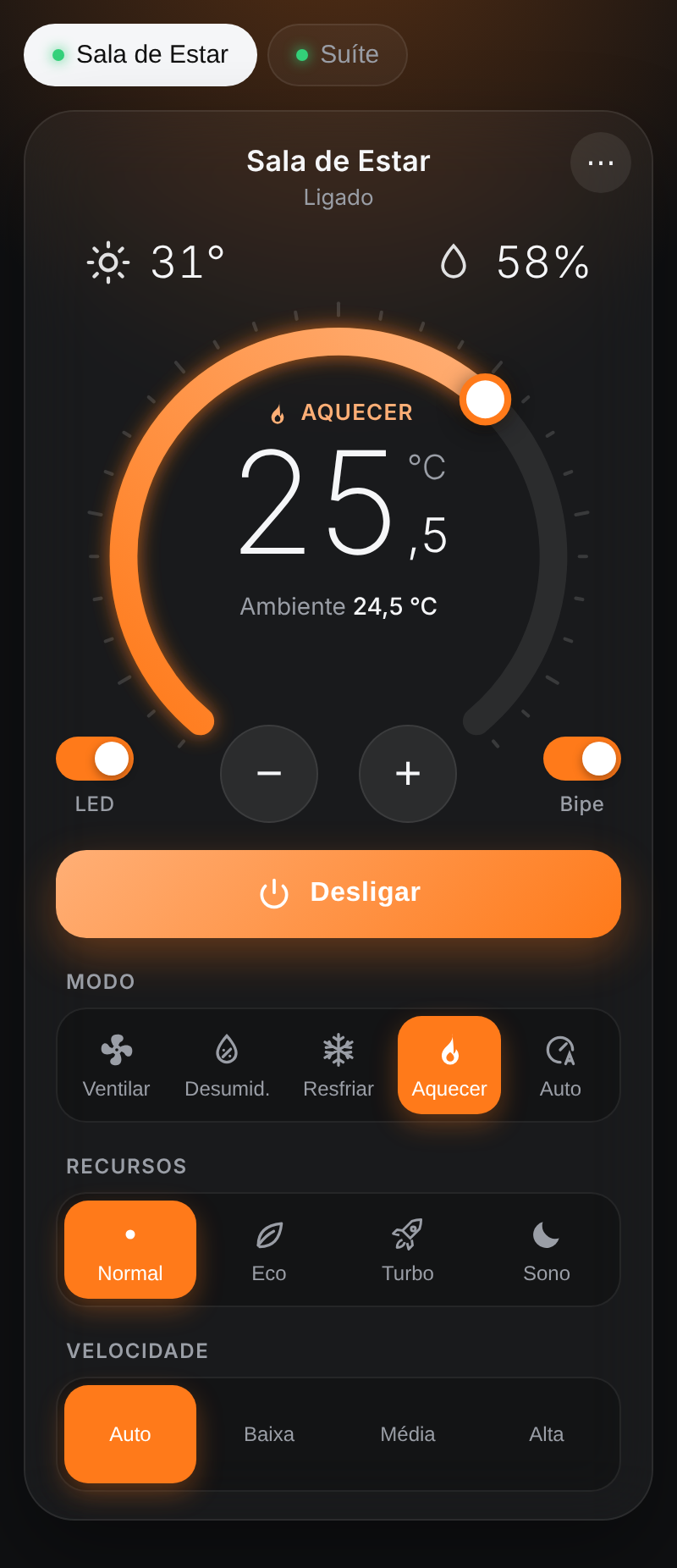
Each air conditioner shows up in Control4 as a native thermostat, created automatically and ready for Navigator, scenes and programming. Control communication is fully local: commands and state go straight from the controller to the air conditioner, never through the cloud, and the system keeps working even with no internet. The internet is used only once, during the first setup of newer models. The driver icon opens an interface with the features the thermostat lacks: Eco, Turbo, Sleep, display LED, beep, outdoor temperature and humidity, with colors that follow the mode.
The package has two drivers:
- ZoomDH Midea Wi-Fi Gateway: network search, polling and WebView interface
- ZoomDH Universal Thermostat: one per air conditioner, all on the same gateway connection
Installation
- Add the Midea Wi-Fi Gateway driver to the room where the thermostats should be created
- Enter the key in License Key (the driver has a 30-day trial)
- The driver searches the network on its own and creates and binds one Universal Thermostat per air conditioner (run Discover Devices to search again)
- Name the units on the Setup Page URL page
- Move each thermostat to the right room and refresh the Navigators
Interface
Features
- Automatic search for the air conditioners on the network, with one Control4 thermostat created, bound and named for each
- 100% local control communication - commands and state go straight from the controller to the air conditioner, never through the cloud, and keep working with no internet
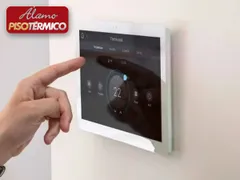
- Native thermostat in Navigator - power, modes, fan speed, setpoint, temperature and air direction
- WebView interface in Navigator with Eco, Turbo, Sleep, display LED, beep, outdoor temperature and humidity
- Changes made with the remote control or the app show up in Control4 right away
- Interface colors follow the mode - blue cooling, orange heating, green on auto
- Interface and setup page in Portuguese and English
- Single connection for all thermostats, with the unit picked from a list
- Works with the ZoomDH thermostat group driver, presets and schedules
Requirements
- Air conditioners already set up in the Midea app and connected to the customer's Wi-Fi
- Air conditioners and Control4 controller on the same network
- Internet access only during the first setup of each unit (after that control is fully local)
Release notes
- 20261022
Initial version: local network control, automatic unit search, single HVAC Thermostats connection with automatic creation of the ZoomDH Universal Thermostats, WebView interface in Portuguese/English and ZoomDH license.