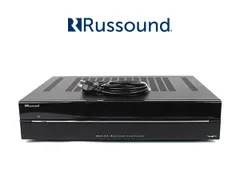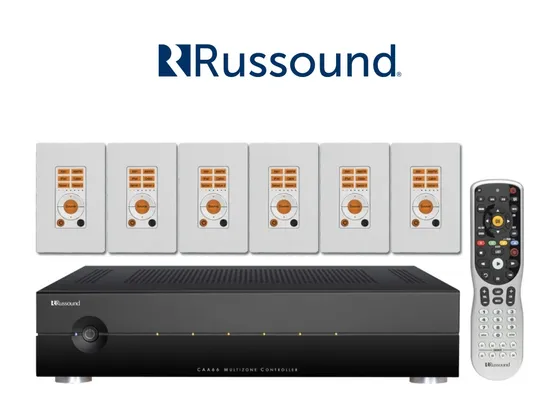
Integration driver for Russound CAA66 multiroom controllers in ELAN, through the RS-232 port with the RNET protocol. Each CAA66 has 6 zones and 6 sources, and up to 6 controllers daisy-chained on RNET are controlled through the same serial port.
Each zone appears in ELAN with power, source, volume and mute, plus bass, treble, balance, loudness and turn-on volume. The driver polls the zone state periodically and right after each command, so changes made on the keypad also show up in ELAN.
It also works with the CAM6.6 and CAV6.6, which use the same protocol.
Installation
- Connect the CAA66 (controller 1) to an ELAN serial port with a DB-9 cable.
- In Nice Configurator, on the Media tab, add a Zone Controller, import the ZoomDH Russound CAA66, select the serial port and install.
- Enter the license key in License Key.
- On the driver’s Configuracoes (settings) page, enter in Controladores (controllers) how many CAA66 units are on RNET.
Features
- Power, source and volume per zone, with real state feedback
- Mute per zone (emulated, since the CAA66 only has toggle mute)
- Bass, treble and balance from -10 to +10, and turn-on volume
- Loudness on/off per zone
- Up to 6 controllers daisy-chained on RNET, for a total of 36 zones
- Command to turn all zones off
- Raw RNET messages sent from the Event Mapper
- Communication status in ELAN
Requirements
- Free RS-232 serial port on the ELAN controller
- DB-9 serial cable to the CAA66
- With several CAA66 units, Controller ID set on each one and all of them on the RNET bus
Release notes
- 2026.10.19
Initial version.