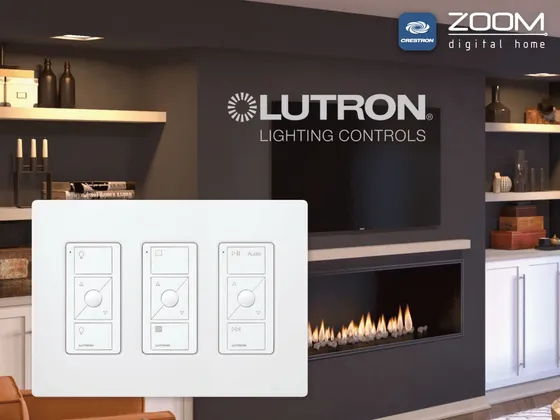
Platform driver for Crestron Home that integrates Lutron HomeWorks QSX and RadioRA 3 processors over LEAP, the same protocol used by the Lutron app. It reads the processor project, finds the lighting zones, shades and keypads and creates a Crestron Home device for each one.
Pairing is done from the app itself: tap Pair and press the processor button. The pairing is saved and survives restarts and driver updates.
Zone levels and button events arrive in real time, with no polling. The scenes (virtual buttons) programmed in Lutron Designer are available on the driver page and as a command in Crestron Home sequences.
Installation
- Copy ZoomDH_Lutron_LEAP.pkg to the processor (SFTP to /user/ThirdPartyDrivers/Import) or import it with Crestron Home Setup.
- In Setup, under Pair Devices > Drivers, add Lutron > LEAP Gateway.
- Enter the IP of the Lutron processor.
- On the driver page, tap Pair and press the Lutron processor button within 3 minutes.
- On the first connection the driver discovers the project on its own. Place each light, shade and keypad in the right room.
Interface
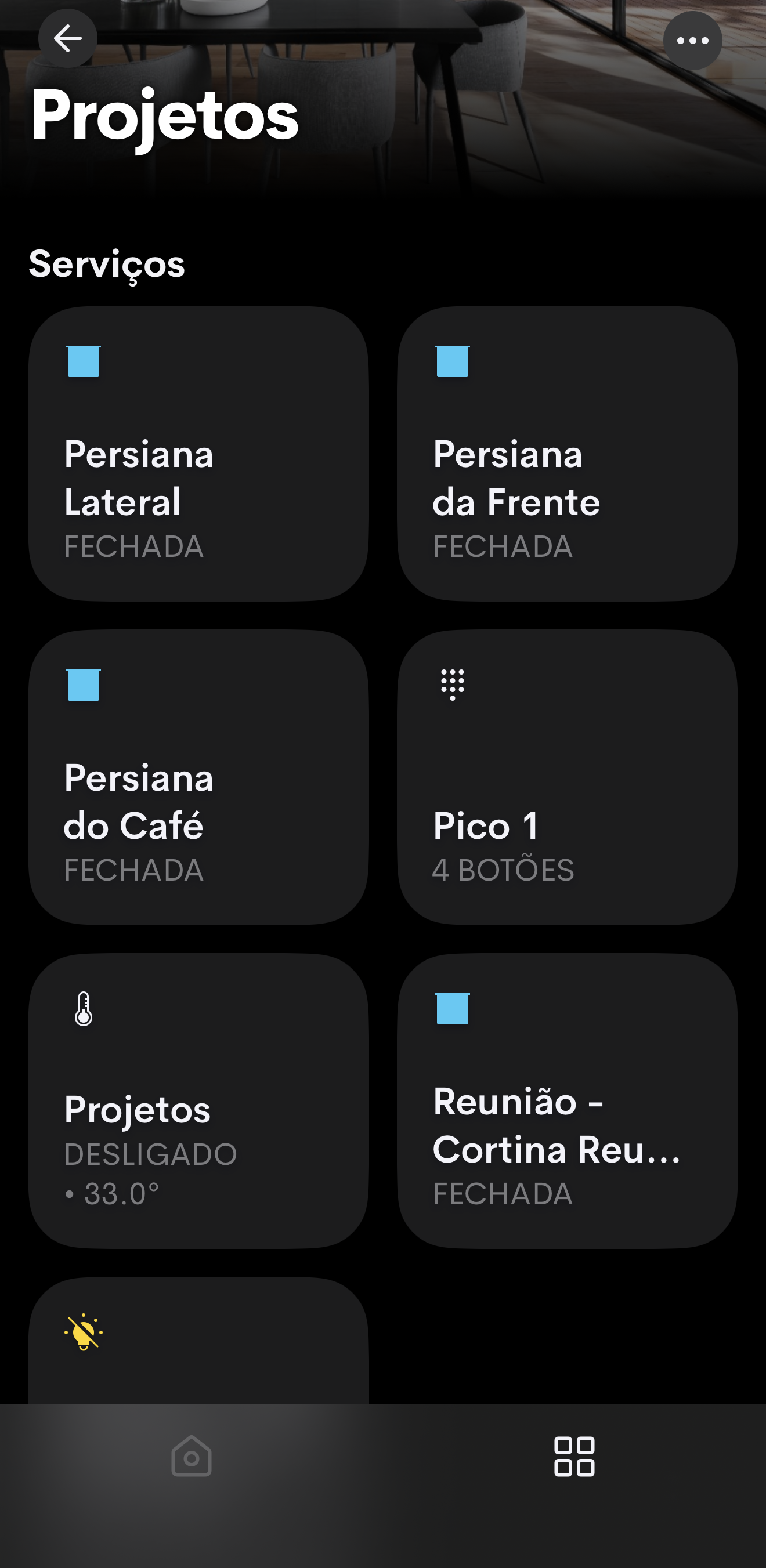
Features
- Pairing from the Crestron Home app, by pressing the processor button
- Discovers the zones, shades and keypads of the Lutron project and creates a Crestron Home device for each one
- Dimmers, color temperature (CCT) lights and on/off loads
- Color temperature shortcuts (2700 to 5000 K) and automatic Circadian mode per light
- Shades and blinds with real position from 0 to 100%, and open/close/stop motors
- Shades without position followed through linked Lutron buttons
- Keypads and Picos with Press, Release, Hold and Click events per button, for two functions on the same button
- Lutron virtual buttons (scenes) on the driver page and in sequences
- Real-time feedback, no polling
- Automatic reconnection, with feedback restored on every reconnection
Requirements
- HomeWorks QSX or RadioRA 3 processor with the project transferred by Lutron Designer
- Crestron Home 4-Series processor
- Crestron and Lutron processors on the same local network
- Physical access to the Lutron processor to press the pairing button
Release notes
- 2026102605
First release for Crestron Home: pairing from the app, lights with dimming and color temperature (2700 to 5000 K shortcuts and automatic Circadian mode), shades with and without position, keypads with Press, Release, Hold and Click events for sequences, Lutron scenes, real-time feedback and screens in Portuguese and English.