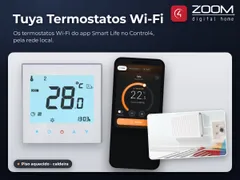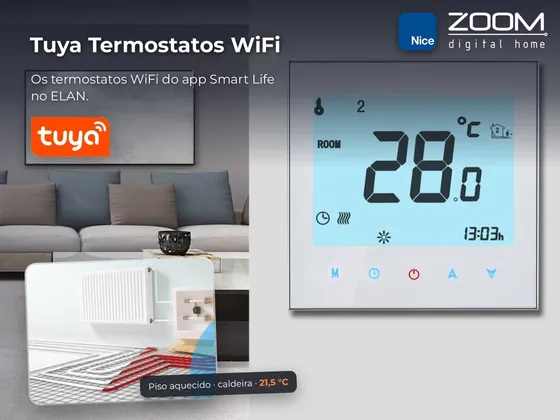
Driver that integrates Tuya platform Wi-Fi underfloor heating thermostats with ELAN, of any brand set up in the Smart Life or Tuya Smart apps.
Access uses the app account itself: the installer types the User Code, scans a QR code with the phone and that’s it. No Tuya developer account is needed, and no IP address or local key has to be set for each device.
One button finds the account thermostats and creates each one in ELAN as a native thermostat, already named as in the app: on/off, target temperature, room temperature and heating indication. Changes made in the app or on the thermostat reach ELAN in real time.
Installation
- In the Nice Configurator, Climate tab, import and install ZoomDH Tuya Floor Heating Thermostat.
- Enter the license key in License Key.
- In the Smart Life or Tuya Smart app, open Me > Settings > Account and Security and copy the User Code.
- Type the code in Tuya User Code and click Generate QR Code. Open the link from the Tuya Status field in a browser and scan the QR with the app.
- Click Discover Thermostats: each account thermostat is created in ELAN.
Features
- QR code login to the Smart Life / Tuya Smart account, no developer account
- Automatic discovery of the account thermostats, each one created and named in ELAN
- Native thermostat - on/off, target temperature, room temperature and heating indication
- Real-time updates of changes made in the app or on the thermostat
- All On and All Off commands for scenes and the Event Mapper
- Thermostat online/offline in the ELAN status
Requirements
- Thermostats set up in the Smart Life or Tuya Smart app
- Internet access on the ELAN controller
Release notes
- 2026.11.03
Versão inicial.